
SMS Settings (Marketing)
The SMS Settings page allows you to configure SMS providers for sending marketing and notification messages from the selected location. This setup ensures reliable SMS delivery using supported messaging services.
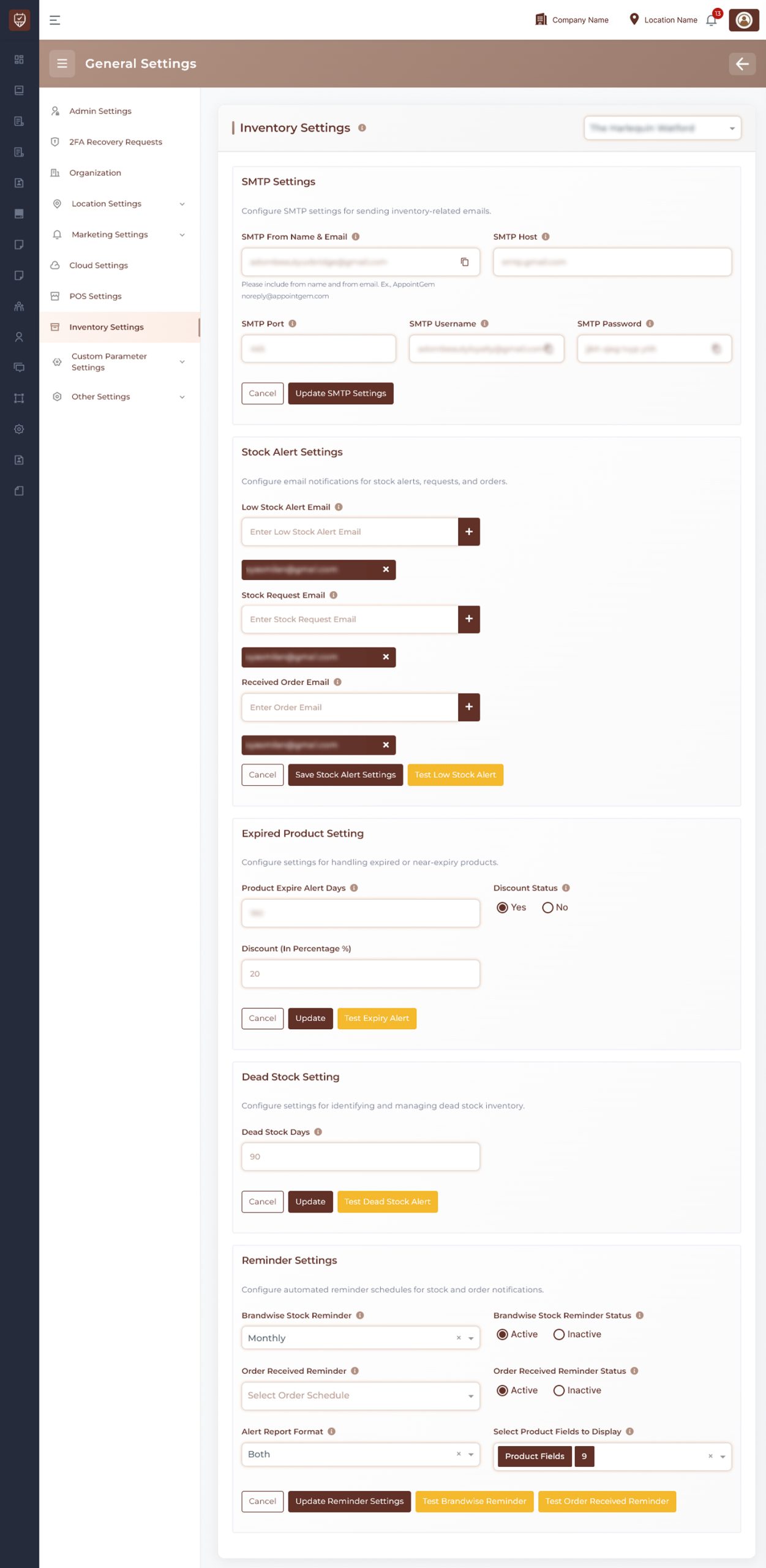
Location Selection
Use the location selector at the top-right to choose the branch where the SMS configuration will be applied.
SMS Provider Selection
Select the SMS provider based on your integration:
- Twilio
- Textsend App
The required configuration inputs change depending on the selected provider.
Configuration Details
Twilio
- Configure your SMS service using Twilio credentials
- Requires account authentication and a sending number
- Suitable for global SMS delivery with high reliability
Textsend App
- Configure SMS using Textsend-based integration
- Requires API access and device-level configuration
- Suitable for device-based or local SMS sending setups
Managing Entries
Add
Use the Add button to create additional SMS configurations. This is useful when managing multiple accounts or providers.
Delete
Use the delete icon to remove an existing configuration entry.
Actions
Save
Stores all configured SMS settings for the selected location.
Cancel
Discards any unsaved changes.
Best Practices
- Choose the correct provider based on your messaging requirements
- Ensure credentials are accurate to avoid delivery failures
- Remove unused configurations to keep the setup organized
- Test SMS delivery after configuration
- Use multiple configurations if needed for redundancy