
WhatsApp Settings (Marketing)
The WhatsApp Settings page allows you to configure and manage WhatsApp messaging providers for marketing and communication at the selected location. This setup enables sending automated messages such as promotions, reminders, and notifications through WhatsApp.
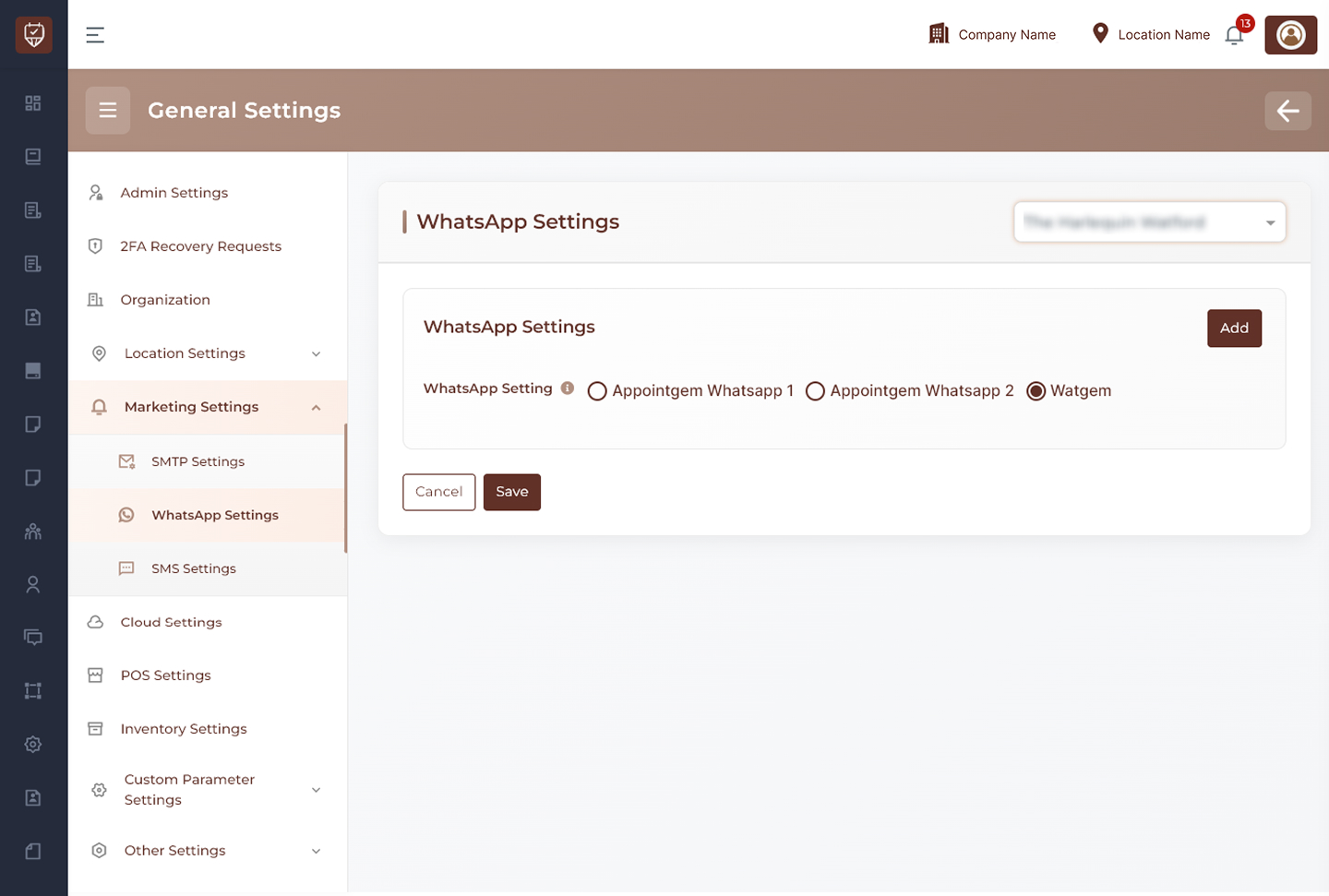
Location Selection
Use the location selector at the top-right to choose the branch where the WhatsApp configuration will be applied.
Provider Selection
Choose the WhatsApp provider based on your integration:
- Appointgem WhatsApp 1
- Appointgem WhatsApp 2
- Watgem
The input options change dynamically depending on the selected provider.
Configuration Details
Appointgem WhatsApp 1
- Requires a single access credential to enable messaging
- Suitable for basic WhatsApp communication setup
Appointgem WhatsApp 2
- Requires both an access credential and an instance identifier
- Used for advanced or multi-instance WhatsApp integrations
Watgem
- Requires an API credential and an account identifier
- Used when integrating with the Watgem messaging service
Managing Entries
Add
Use the Add button to create additional WhatsApp configurations. This is useful when managing multiple accounts or providers.
Delete
Use the delete icon to remove an existing configuration entry.
Actions
Save
Stores all configured WhatsApp settings for the selected location.
Cancel
Discards any unsaved changes.
Best Practices
- Ensure correct provider selection before entering credentials
- Use valid and active API credentials to avoid message failures
- Remove unused configurations to keep the setup clean
- Test messaging after configuration to confirm successful delivery