
Gift Card Settings (Location Level)
The Gift Card Settings page allows administrators to configure gift card behavior for a selected location. These settings control how gift cards are generated, priced, and presented to customers.
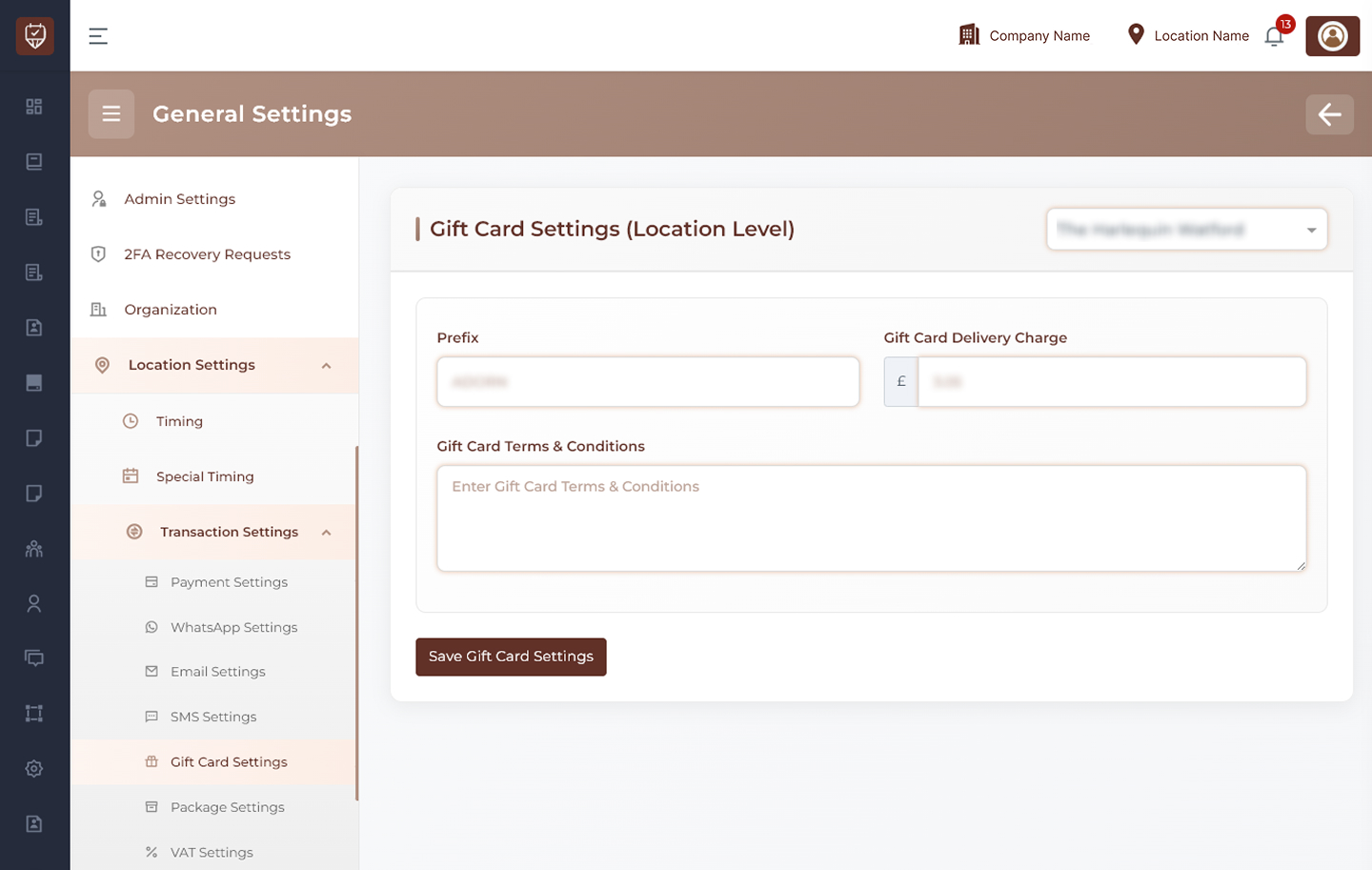
Location Selection
Use the location dropdown at the top-right to choose the branch or location where gift card settings should be applied.
Examples:
- Main Branch
- City Center Branch
- North Location
Gift Card Configuration
Configure the key details related to gift card generation and usage.
Prefix
Enter a prefix that will be added to all generated gift card codes.
Examples:
- GIFT
- GC
- STORE
This helps identify and organize gift cards by location or business.
Gift Card Delivery Charge
Enter the delivery charge applied when a gift card is issued.
This may include:
- Email delivery cost
- Physical delivery cost (if applicable)
- Processing or handling fees
Gift Card Terms & Conditions
Enter the terms and conditions applicable to gift cards.
Examples may include:
- Validity period
- Usage rules
- Refund or cancellation policy
- Restrictions on services or products
- Transferability conditions
This information is shown to customers when purchasing or using gift cards.
Save Gift Card Settings
Click this button to save the gift card configuration for the selected location.
Best Practices
- Use a clear and unique prefix for easy identification
- Keep delivery charges transparent and reasonable
- Write clear and concise terms and conditions
- Update terms regularly based on business policies
- Ensure compliance with local regulations for gift cards