
Discount Slabs
The Discount Slabs page is used to create and manage predefined discount structures that can be applied to services or products. It helps standardize discount strategies by defining different types of offers such as percentage, fixed amount, or service-based rewards.
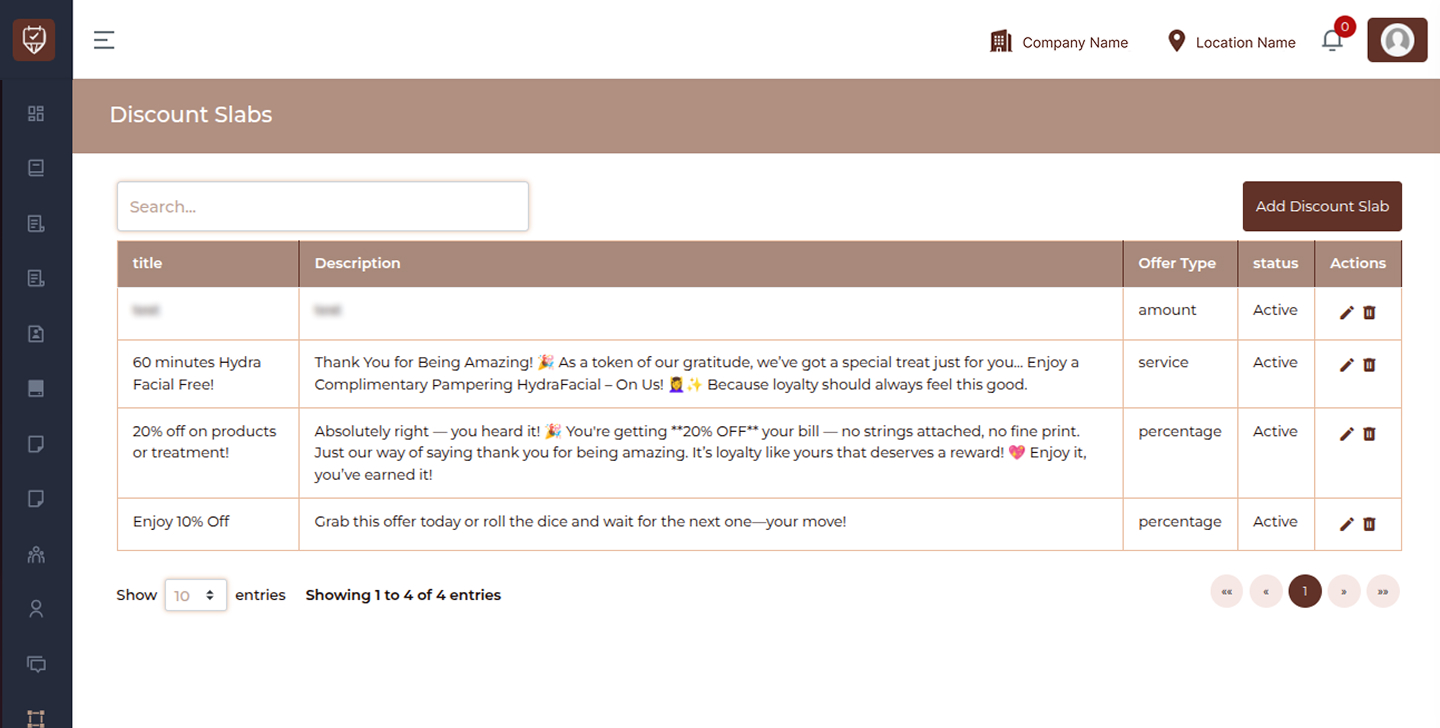
This page allows you to:
- View all configured discount slabs
- Create new discount slab rules
- Manage different offer types
- Edit or remove existing slabs
Filters & Controls
Search
Search discount slabs using keywords such as title or description.
Add Discount Slab
Create a new discount slab with defined offer rules.
Discount Slab List Columns
Title
Displays the name or title of the discount slab.
Description
Provides details about the discount or promotional rule.
Offer Type
Indicates how the discount is applied:
- amount : Fixed value discount
- percentage : Percentage-based discount
- service : Service-based reward
Status
Shows whether the discount slab is Active or Inactive.
Actions
Provides options to manage the discount slab:
- Edit : Modify discount slab details
- Delete : Remove the discount slab from the system
Best Practices
- Use clear and meaningful titles for easy identification
- Write short but descriptive descriptions for each slab
- Choose the correct offer type based on your promotion strategy
- Regularly review and update inactive or outdated slabs
- Avoid creating duplicate or overlapping discount slabs
Add / Edit Discount Slab
The Add / Edit Discount Slab page is used to create reward-based discount slabs that customers can redeem using loyalty points. It helps you design structured reward systems to increase customer engagement and repeat visits.
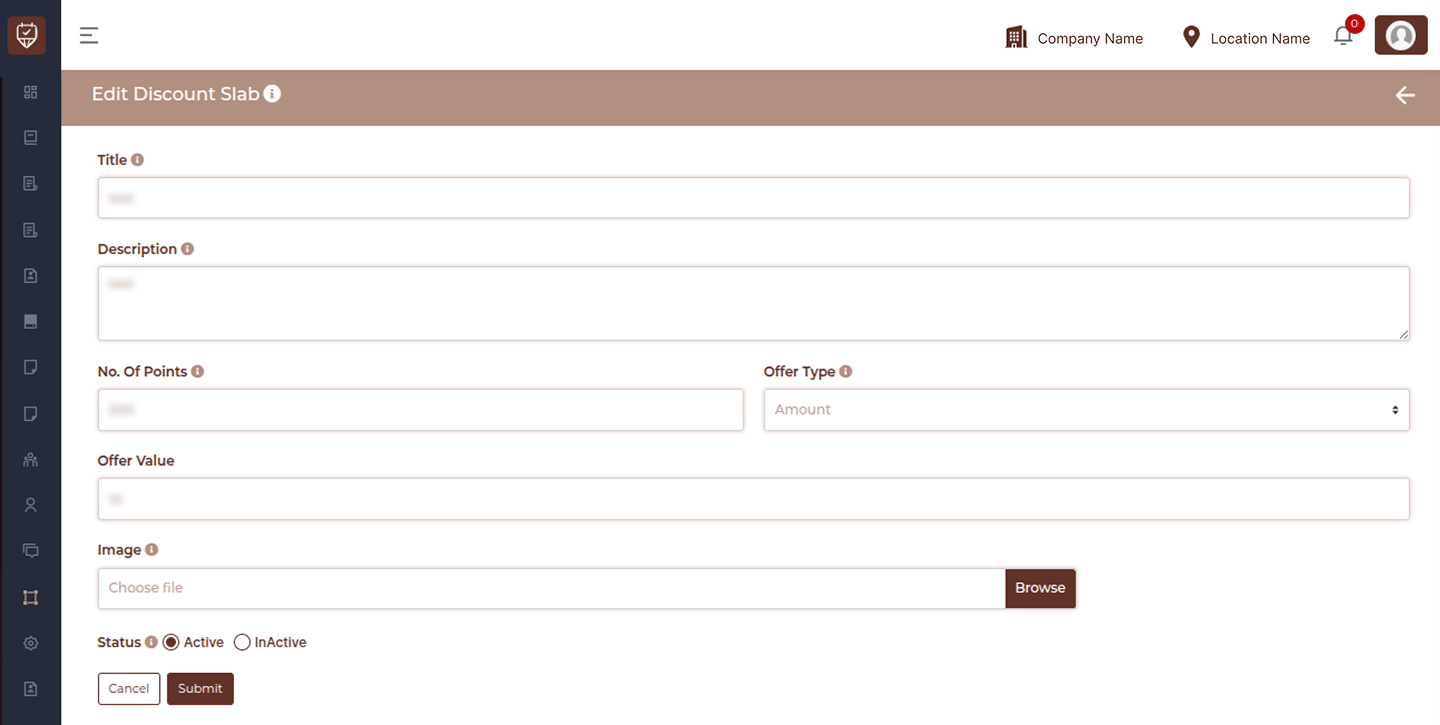
This page allows you to:
- Define point-based reward slabs
- Offer discounts, services, or products as rewards
- Control redemption rules using loyalty points
- Manage slab availability and visibility
Title
Enter a clear and meaningful name for the discount slab.
Description
Provide details about the benefit customers will receive when redeeming this slab.
No. of Points
Specify the number of loyalty points required to unlock this reward.
Offer Type
Select how the reward will be applied:
- percentage : Percentage-based discount
- amount : Fixed discount value
- services : Free or discounted service
- products : Free or discounted product
Offer Value
Enter the value associated with the selected offer type.
Image Upload
Upload an image to visually represent the reward slab in customer-facing areas.
Status
Set the slab as Active or Inactive.
Actions
- Cancel : Exit without saving changes
- Submit : Save and activate the discount slab
Best Practices
- Use clear and attractive titles for better understanding
- Keep descriptions simple and benefit-focused
- Set realistic point requirements to encourage redemption
- Use images to make reward slabs more engaging
- Regularly review and update slabs based on customer activity