
Booking Settings
The Booking Settings page allows administrators to configure booking fees, booking rules, booking messages, and paid slot settings for appointments. Settings can be applied at either the company level or location level.
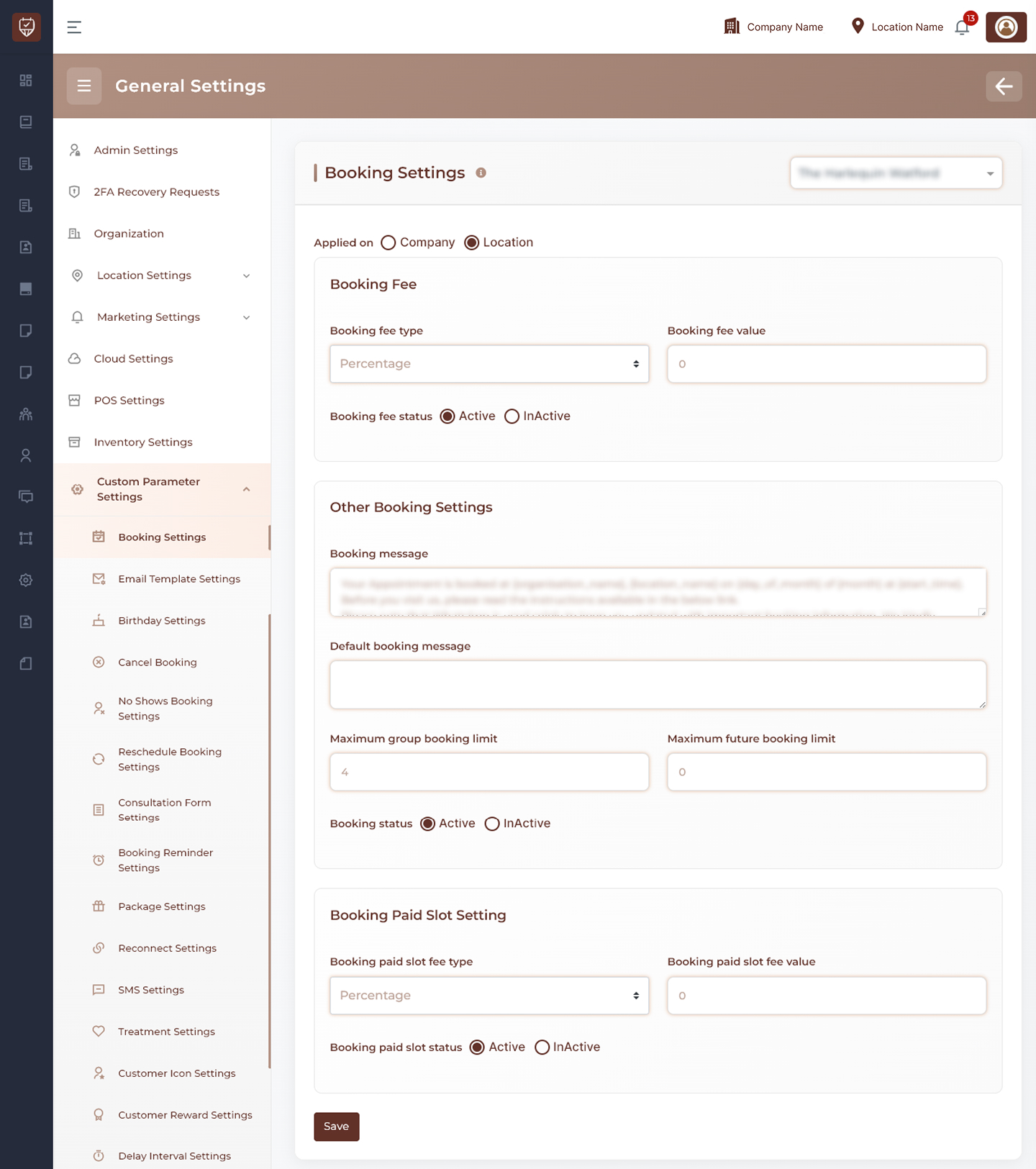
Location Selection
Select the required location from the dropdown at the top of the page to manage booking settings for a specific branch.
Booking Fee
Configure charges applied during appointment booking.
Features
- Apply settings at either Company or Location level.
- Define the booking fee calculation method.
- Set the booking fee amount or percentage.
- Enable or disable booking fees.
Usage
Use booking fees when a deposit or advance payment is required during appointment scheduling.
Other Booking Settings
Configure general booking behavior and customer communication.
Features
- Customize appointment confirmation messages.
- Configure a default booking message.
- Set the maximum number of customers allowed in a group booking.
- Define how far in advance customers can create bookings.
- Enable or disable online booking functionality.
Usage
These settings help control booking availability and standardize customer communication across locations.
Booking Paid Slot Settings
Configure paid slot requirements for appointment scheduling.
Features
- Define the paid slot fee calculation method.
- Configure the paid slot fee amount or percentage.
- Enable or disable paid slot bookings.
Usage
Paid slot settings can be used for premium services, high-demand appointment times, or appointments requiring advance payment.
Actions
- Save : Saves all booking-related configuration changes for the selected scope and location
Best Practices
- Apply booking fees only when advance payment is required.
- Review group booking limits based on staff and room capacity.
- Set realistic future booking limits to prevent excessive advance reservations.
- Keep customer-facing booking messages clear and consistent.
- Periodically review paid slot settings to align with business requirements.