
Location Timing
The Location Timing page allows administrators to configure business operating hours for each branch or location. Separate opening and closing times can be assigned for every day of the week.
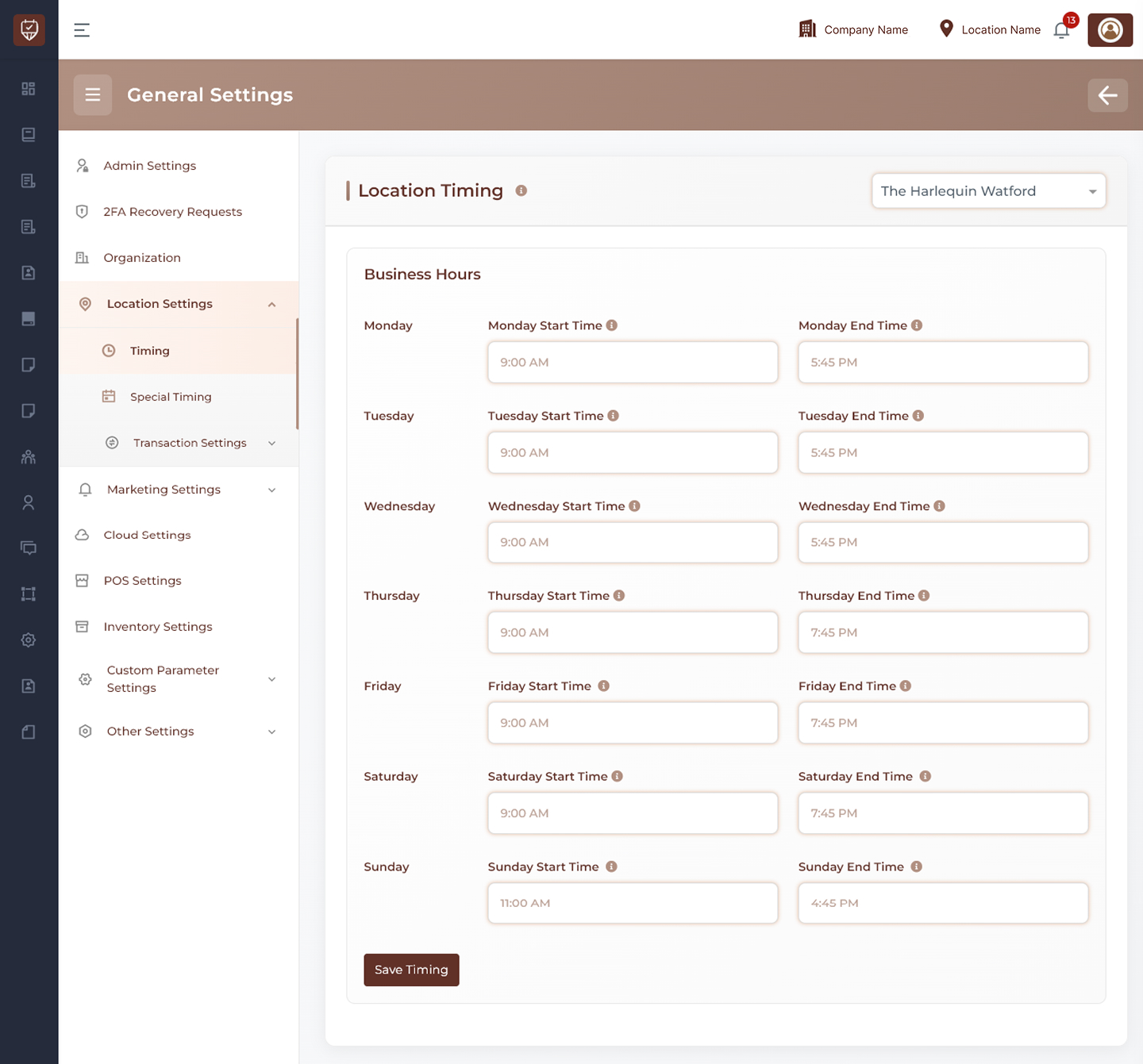
Location Selection
Use the location dropdown at the top of the page to choose the branch whose timing settings you want to manage.
Examples:
- Main Branch
- City Center Branch
- North Location
Business Hours
This section allows you to define daily working hours for the selected location.
Each day includes:
- Start Time
- End Time
Daily Timing Fields
Monday to Sunday
For each day of the week, configure:
- Opening time
- Closing time
Examples:
- Monday Start Time / Monday End Time
- Tuesday Start Time / Tuesday End Time
- Wednesday Start Time / Wednesday End Time
- Thursday Start Time / Thursday End Time
- Friday Start Time / Friday End Time
- Saturday Start Time / Saturday End Time
- Sunday Start Time / Sunday End Time
How It Works
- If start and end times are entered, the location is considered open during those hours
- Timings may vary by day
- Closed days can be managed by leaving fields empty or setting no active hours (based on system setup)
- These timings may affect bookings, staff scheduling, and customer availability display
Actions
- Save Timing : Save business hours for the selected location
Best Practices
- Keep business hours updated during seasonal changes
- Review weekend timings separately if different from weekdays
- Update timings before promotional campaigns or holiday periods
- Ensure booking availability matches actual operating hours
- Verify location selection before saving changes