
Content Masters
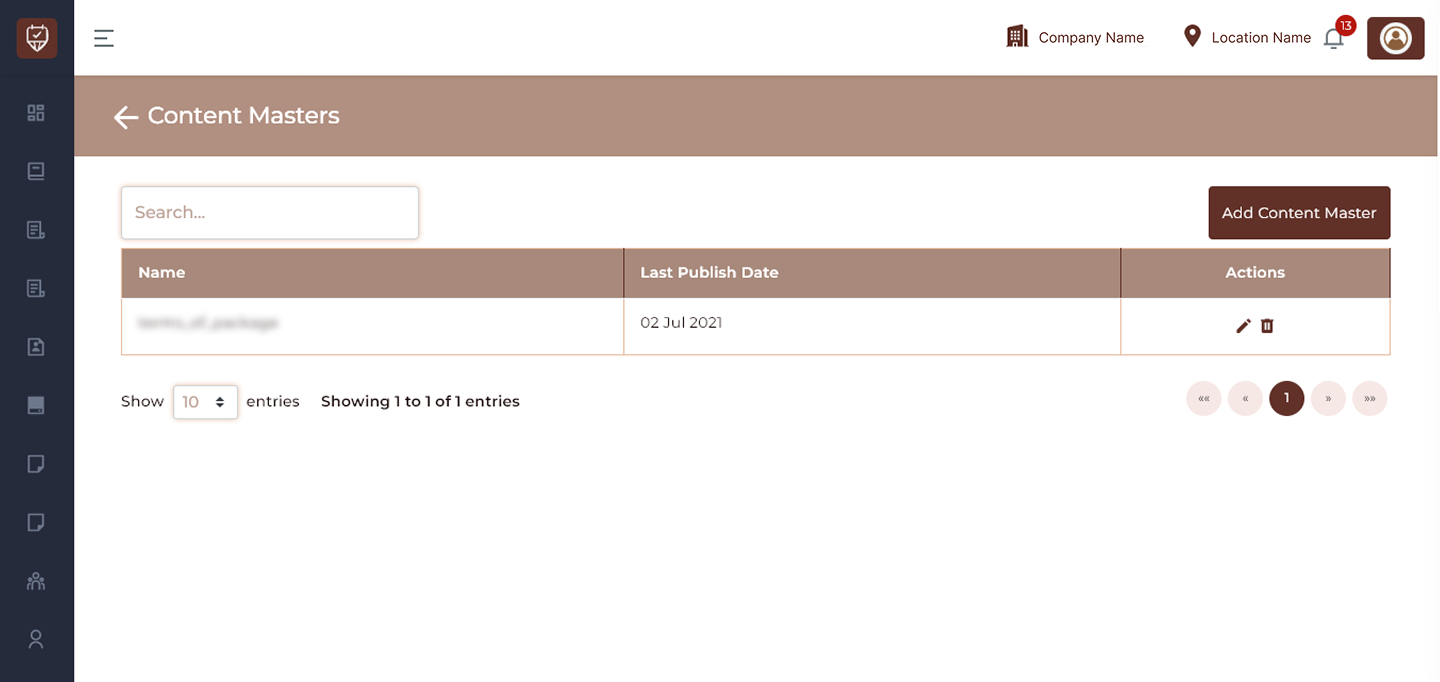
The Content Masters page is used to manage static or reusable content across the system. It allows administrators to create, update, and maintain important content such as terms and conditions, policies, or other informational sections that may be used in different parts of the application. This page ensures centralized control over content, making it easier to update and maintain consistency.
Overview
- Manage reusable content in one place
- Maintain consistency across the system
- Easily update important informational content
- Track the latest publish date of each content item
Fields & Columns
Name
Displays the identifier or title of the content. This helps in recognizing the purpose of the content.
Last Publish Date
Shows the most recent date when the content was updated or published.
Actions
Provides options to manage the content:
- Edit : Modify the content details
- Delete : Remove the content from the system
Best Practices
- Use clear and meaningful content names
- Regularly review and update content
- Keep content concise and relevant
- Avoid duplication of similar content
- Ensure accuracy before publishing updates
Add / Edit Content Master
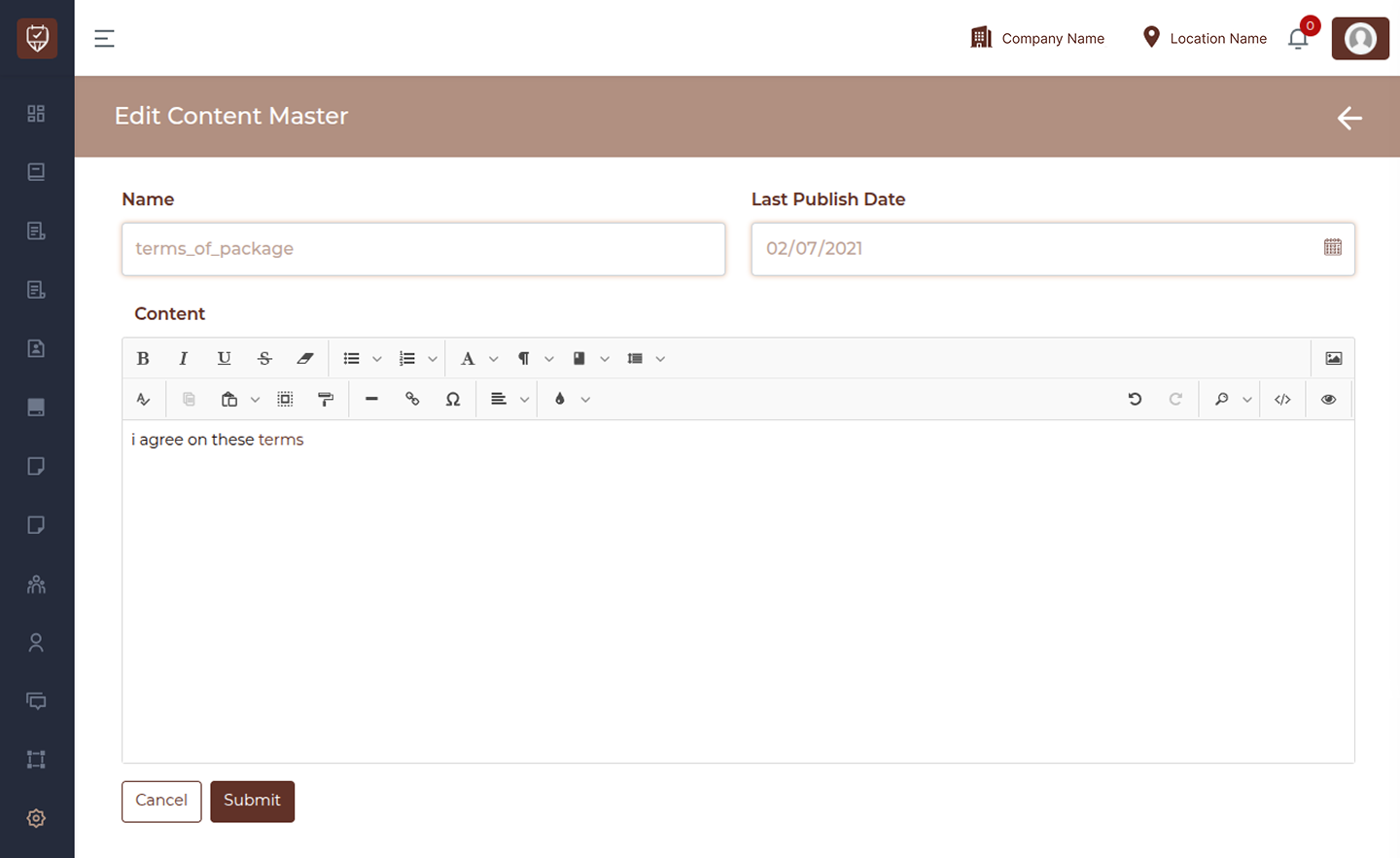
The Add/Edit Content Master page allows administrators to create or update reusable content used across the system. This content can include policies, terms, instructions, or any static information that needs to be displayed in multiple areas. This page provides a rich text editor to format content and ensures centralized management of important information.
Fields & Details
Name
Enter a unique name for the content. This helps identify and manage the content easily.
Last Publish Date
Select or update the date when the content is published or last modified. This helps track when the content was last updated.
Content
Use the editor to create or update the content. You can:
- Format text (bold, italic, underline)
- Add lists, links, or structured content
- Insert headings and styled text
- Manage layout using the editor tools
This content will be displayed wherever it is used in the system.
Actions
- Cancel : Exit without saving changes
- Submit : Save and update the content
Best Practices
- Use clear and descriptive names
- Keep content well-structured and readable
- Use formatting tools for better presentation
- Regularly review and update outdated content
- Avoid overly long or cluttered text